
SSDs
ssd1.jpg
ssd2.jpg
What is your experience with certain brands and models?
Preferred architecture?
What filesystem/RAID setup?
Advantages remaining to HDDs besides sheer size?
Share tips about prolonging life, maximizing performance, etc.
Useful pointers:
>1.)
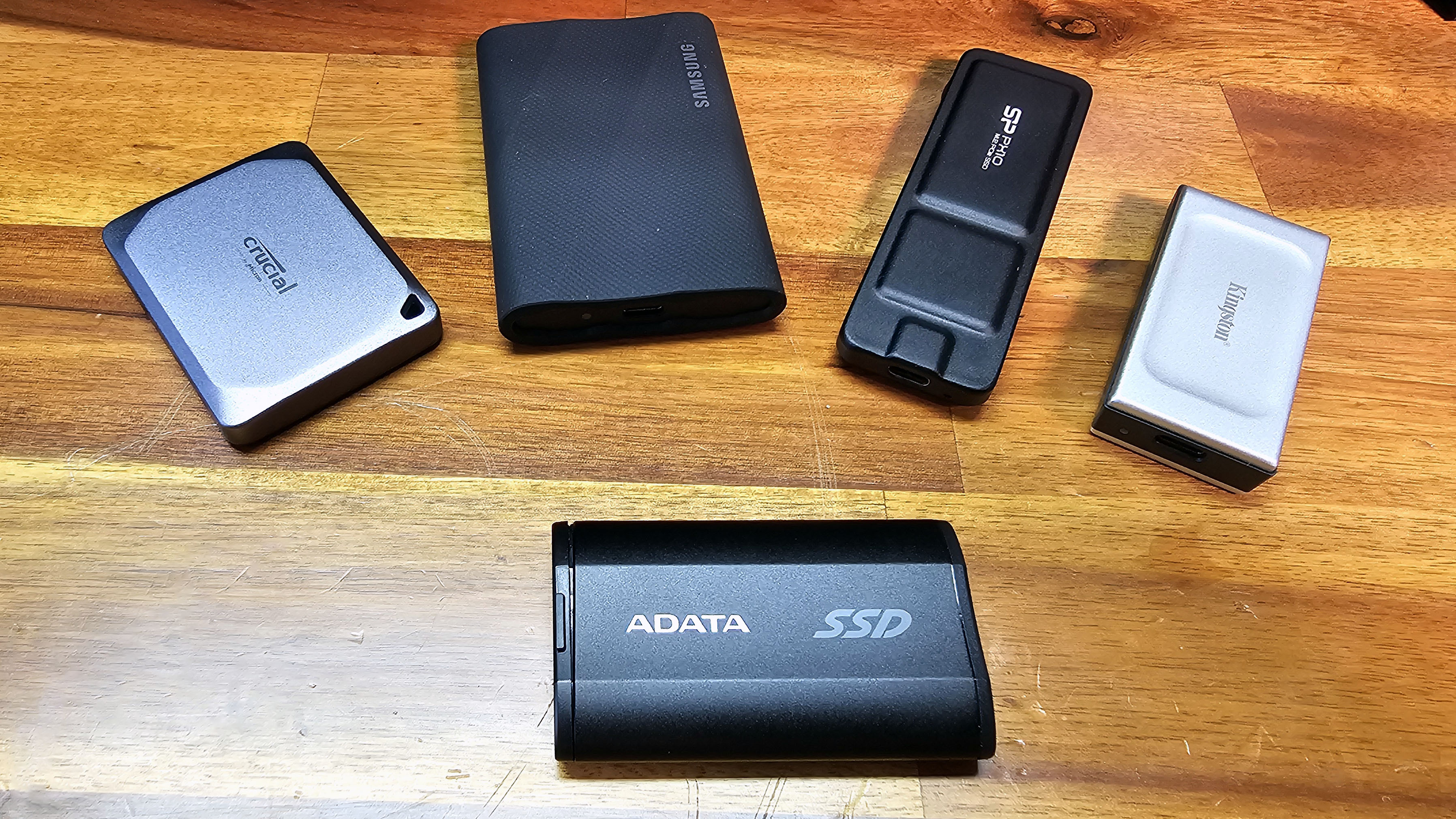
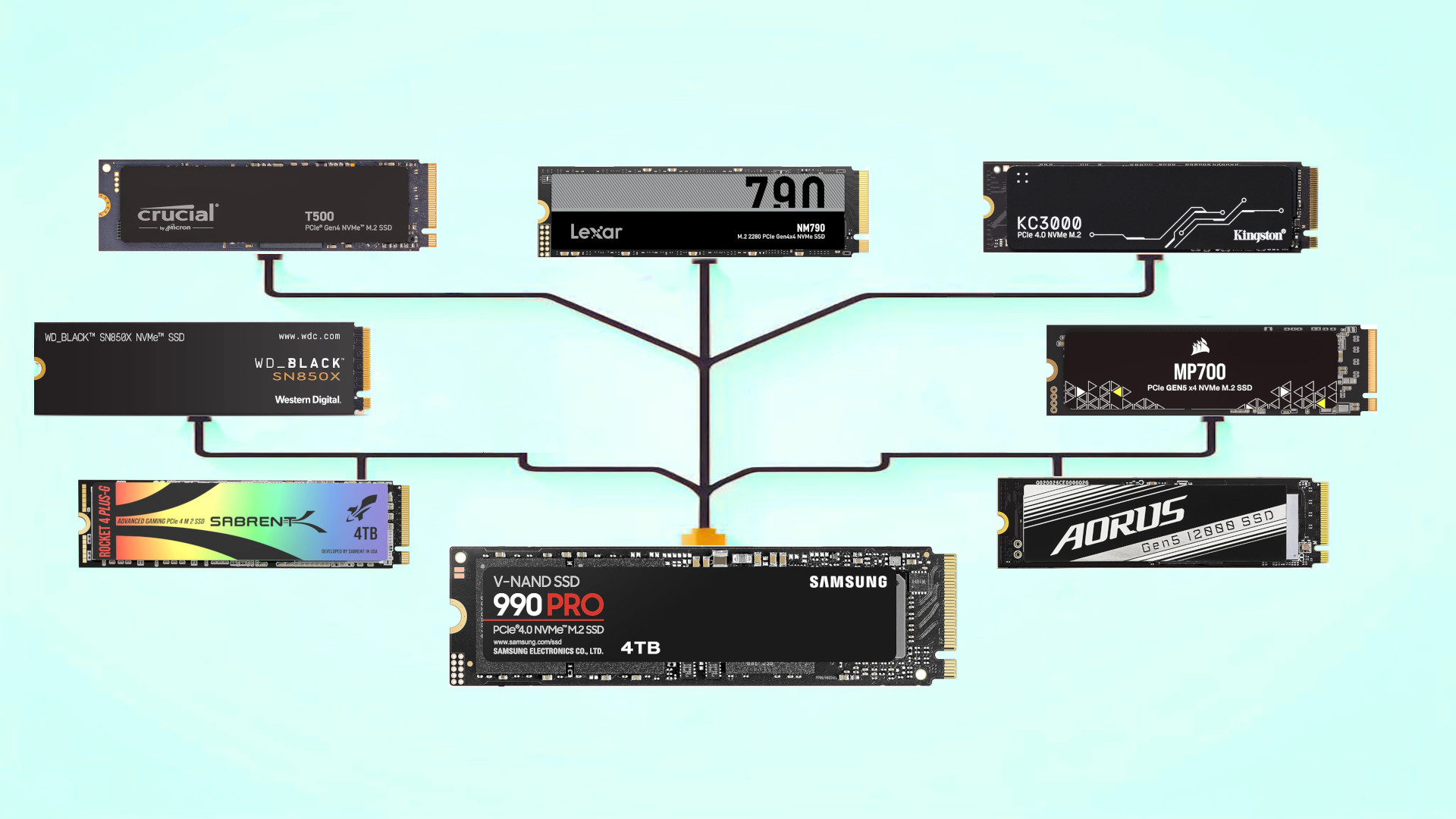
i would personally go for the ADATA drives, they're not the biggest brand out there, but i've used their ssds 8-12 hours daily intensively (boot drives, downloads/torrent/soulseek folders) and they've never failed to deliver, while remaining relatively cheap. if i could choose what drive my new laptops came with i would probably choose ADATA.
also, some cautionary words, stay as far away as possible from kingston, over here where i live i see them everywhere and having 10+ years on the puter repair business they've been by far the worse out there, but this also includes pendrives and ram memories. they use half decent flash modules and controllers BUT they always, always cheap on the SMD resistors and capacitors, they inevitably will die on you, and their warranty service is awful, i've heard from someone that works building OEM machines that bought kingston ssds in bulk, that around 30% of them failed after less than a month and kingston did some mental gymnastics to justify why the warranty was void. of course this could be a particularly bad batch but even then i've had enough of kingston to just try to caution others about those electronic storage devices
>2.)
Some dirty little not-so-secrets of SSDs:
SLC >> MLC > TLC >>>>>>>>>>>>>>>> QLC
Each additional bit per cell halves error margins and requires more precise programming and more complex (== slower) reads, for diminishing returns. MLC to TLC improves density by 50%, at the expense of halving error margins. TLC to QLC improves density by 33%, at the expense of halving error margins. PLC (if it ever actually materializes) improves density by 25%, at the expense of... halving error margins. And meanwhile operations are all slower. Sometimes substantially so. Unfortunately a lot of new "TLC" drives are QLC-optimized flash that's run in TLC mode. This is still better than QLC, but QLC-optimised flash tends to be substantially worse for TLC than TLC-optimized flash.
Client drives (== drives that an individual person might buy) tend to be best-effort, where they put in a fair bit of effort into recovering data, even if it might be incorrect. Whereas enterprise drives (think server farms) tend to be tuned more towards making absolutely 100% sure that they return the correct data, and if not erroring out quickly.
99.9th percentile latency is very important, and most benchmarks ignore it on consumer drives. (And most manufacturers don't spec it either.) This is one reason why enterprise drives - especially certain vendors that actually care about long-tail latency - can end up being far more responsive even in client workloads than client drives. A hitch every few minutes is still very annoying. But as even the benchmarkers that do measure this tend to not bother to measure this for long enough that the drive gets out of cache, these numbers are hard to find. For random write in particular to actually hit steadystate often requires you to random-write the drive multiple times. The sort of state that your system will often get into over months to years and then you wonder why everything runs terribly...
Client drives tend to be DRAM-less to save $$; enterprise drives tend to have a fair bit of DRAM on board. DRAM helps defrag and random-access performance a fair bit, though doesn't help sequential access much at all. This is another source of hiccoughs on client drives.
Real-world performance of QLC drives can be shockingly bad. Take a QLC drive, fill it mostly full of 'homework', do scattered random writes, and watch it start to hiccough - sometimes to the point of multi-minute latencies. I've seen drives outright drop off the bus from NVMe timeouts before. Then toss it in the back of a trailer for a week and watch even reads stutter due to the heroics they have to do to recover the data. Then toss it back in for the rest of the summer and find you have an expensive brick because oops an important part of the FTL bitrotted into heatdeath. General rule of thumb for endurance on drive datasheets - if they exist and actually mean anything at all, at least - true SLC drives will typically do multiple orders of magnitude over the datasheet. True TLC drives will often do an order of magnitude over the datasheet. QLC drives in theory will do exactly what the datasheet says if you follow their exact optimistic 'accelerated aging' test. And don't ask about rated temperature.
Speaking of endurance, spec'd endurance for drives tends to be based on the best case. Writes that aren't just straight sequential can be >4x as damaging to the drive, endurance-wise.
Running a drive near-full tends to be terrible for performance, especially 'random' hitches. This is because the garbage collection has to work a whole lot harder with less free space to work with. This is far more of a problem for QLC than TLC or lower.
Fabs can't just put out 100% top-of-the-barrel NAND. There's always a spread, that then gets binned. Top-of-the-line goes towards (space &) aerospace, then next tier down goes to automotive & industry, then enterprise SSDs, then client SSDs, then decent memory cards, then cheap memory cards & thumb drives.
Client drives tend to have a small bit of 'cache', just large enough that the initial quick benchmarks people tend to run end up measuring the cache instead of the actual drive performance. And the actual drive performance is often shockingly bad. If you're doing benchmarks on a client drive, at a bare minimum start by filling it first with random data. (And I do mean random. Not only do some drives 'optimize' zeroes, some drives 'optimize' other commonish bitpatterns as well now. Cat-and-mouse against benchmarkers, sigh. Easily defeated once-and-for-all at least.)
Client drives have a shocking number of wrong-data bugs. Or rather, all SSDs do - the software complexity on the drive itself is to the point where that's a given - but enterprise drives actually have effort put into early testing to catch the issues before they go to the customer, and also (just as importantly) have contractual obligations not to tell the customer that 'there are no incorrect-data bugs' while they are running around pants-on-fire due to a known incorrect-data bug with no fix in sight, so wrong-data bugs are often actually fixed.
Client drives tend to completely punt power-loss protection. Or rather, they will quite happily lie to the host and say that writes are done before they are actually done - and then if you lose power, welp, you just lost data. (And that's if your lucky. If they didn't quite code the FTL correctly, you just lost the drive. And see above re: bugs....) Enterprise drives either (for the slow ones) will obligingly do the write (slow), or have enough capacitance onboard to lie to the host and get away with it - they will panic & frantically save the data before they truly lose power. (It's pretty obvious if you can look at the circuit board. Does it have a comically large amount of capacitance onboard? If so, great.)
Client drives tend to care a lot about full-idle power; enterprise drives tend to care a lot about power under load. Warning that enterprise drives tend to assume a fair bit of cooling - though they tend to also be better-tested as to their behavior under thermal throttling than client drives.
PSA: U.2 to pcie adapter cards exist and are reasonable. M.2 drives are almost always thermally bottlenecked, and their performance will drop off a cliff once they heat up. Sometimes to the point of just outright stopping for a few seconds (which can lead to e.g. desktop freezing, etc, etc.). Yes, this means that the 'silly' NVMe SSD heatsinks can be a non-bad idea - at least if the heatsink is actually cooling the NAND.
If an NVMe drive needs custom proprietary software to be competitive, the drive is just cheating (such as by removing 'unnecessary' drive cache flushes). In theory a driver can take advantage of e.g. figuring out what data is likely to be untouched for a while and grouping it in a separate write stream; in practice lol I have literally never seen proprietary software do this effectively. They all just cheat while siphoning usage stats instead.
PCIe gen4 is about where the bottleneck shifted from PCIe performance to maximum allowed power. As a result most gen5 SSDs are somewhat underwhelming - PCIe is no longer the main bottleneck. This is slowly shifting as vendors figure out how to reduce power consumption, but slowly.
Sometimes I'm astounded that anything works at all.
no...